
Best Instagram Photo Downloader
Download Photos from Instagram with DownloadInsta.app


Download Instagram Photos Free
Instagram is one of the most popular platforms for discovering and sharing photos, from travel and fashion to food, photography, and everyday moments. Sometimes, you may want to save an Instagram photo to your device for personal offline viewing. Download Insta makes it simple to download Instagram photos online using a photo's URL. Our Instagram Photo Downloader works directly in your web browser, so you can save supported Instagram pictures without installing additional software or creating an account. Whether you're using a PC, Mac, Android phone, iPhone, or tablet, DownloadInsta provides a simple way to download Instagram photos in just a few steps.
How to Download Instagram Photos?
Downloading an Instagram photo with DownloadInsta is quick and straightforward. Follow these three simple steps:
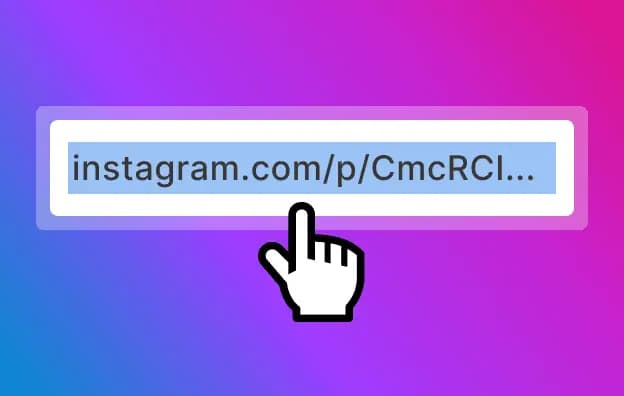
Copy the URL
Open Instagram and find the post containing the photo you want to save. Tap the three dots (⋯) on iPhone or three dots (⋮) on Android, then select Copy Link. The Instagram post URL will be copied to your clipboard.
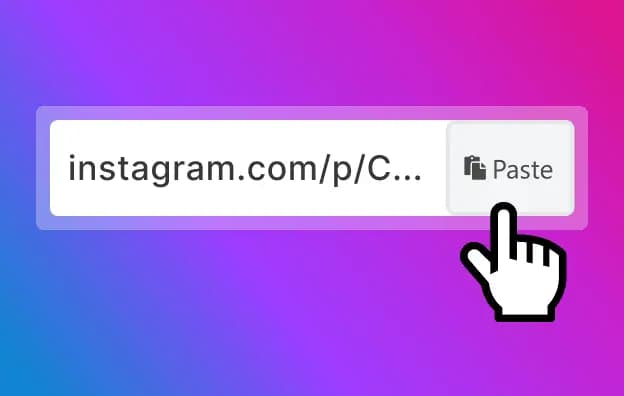
Paste the Link
Open the DownloadInsta Instagram Photo Downloader in your browser. Paste the copied Instagram post URL into the input field and click the Download button.
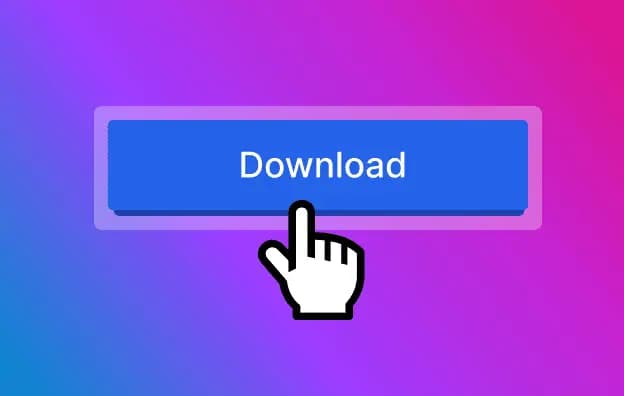
Download
DownloadInsta will process the Instagram URL and display the available download option. Click the download button to save the Instagram photo to your device. Depending on your browser and device settings, the downloaded image will usually appear in your Downloads folder or selected download location.
Download Instagram Photos from Your Address Bar
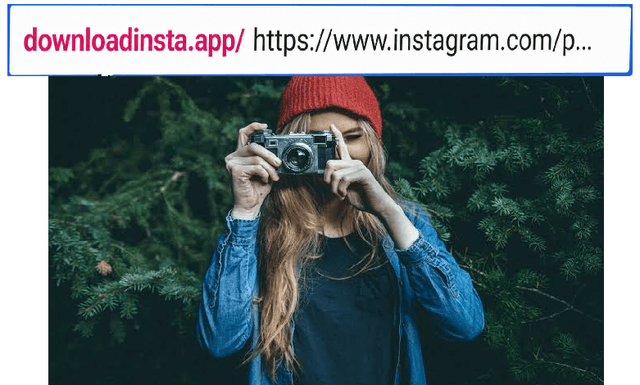
DownloadInsta can also provide a convenient way to access the downloader directly from your browser. When supported, you can use the DownloadInsta shortcut format with an Instagram photo URL instead of opening the downloader manually.
Add the supported DownloadInsta shortcut before an Instagram photo URL in your browser's address bar.
Press Enter to open the DownloadInsta download page.
The downloader works across phones, tablets, and computers with a compatible web browser.
DownloadInsta Downloader
Instagram Photos Downloader
DownloadInsta is an online Instagram Photo Downloader that lets you save supported Instagram pictures using their post URLs. The service works directly through your web browser, making it convenient to download Instagram photos on smartphones, tablets, laptops, and desktop computers. To download a photo, simply copy the Instagram post link, paste it into DownloadInsta, and click the download button. For Instagram posts containing multiple photos, available images may also be provided depending on the post and the content accessible through the URL.
Frequently Asked Questions (FAQ)
Here are answers to some common questions about the DownloadInsta Instagram Photo Downloader. If you need additional assistance, you can contact us through the website's contact page.
Can I download Instagram pictures to my PC?
Yes. DownloadInsta works directly through your web browser, so you can use the Instagram Photo Downloader on a Windows PC, Mac, laptop, or other compatible computer. Simply copy the Instagram post URL, paste it into DownloadInsta, and follow the download instructions.
What file format are Instagram photos downloaded in?
Instagram images are commonly available in image formats such as JPG or JPEG, depending on the content and how it is processed by the downloader. The exact format and quality can depend on the original Instagram content and the available download option.
Is the DownloadInsta Instagram Photo Downloader free?
Yes. DownloadInsta provides a free online Instagram Photo Downloader that you can access directly from your browser. No separate downloader application is required for basic use.
Which devices are compatible with DownloadInsta?
DownloadInsta is a web-based Instagram downloader that can be accessed from many devices with a compatible browser, including Android phones, iPhones, iPads, tablets, Windows PCs, and Mac computers. You don't need to install a dedicated application. Open DownloadInsta in your browser, enter the Instagram post URL, and follow the download steps.
Is it safe to download Instagram photos with DownloadInsta?
DownloadInsta is designed to provide a straightforward way to process supported Instagram URLs without requiring users to create an account. However, you should always use caution when downloading files online and keep your browser and device security features up to date. When downloading Instagram content, respect the privacy, copyright, and intellectual-property rights of the original content creator. Only download or reuse content when you have permission or when your use is permitted by applicable law.